Outlook on a mobile device
Manual configuration of an @uwb.edu.pl account in Microsoft Outlook.
- If Outlook is not installed, install it from your device's app store and open it.
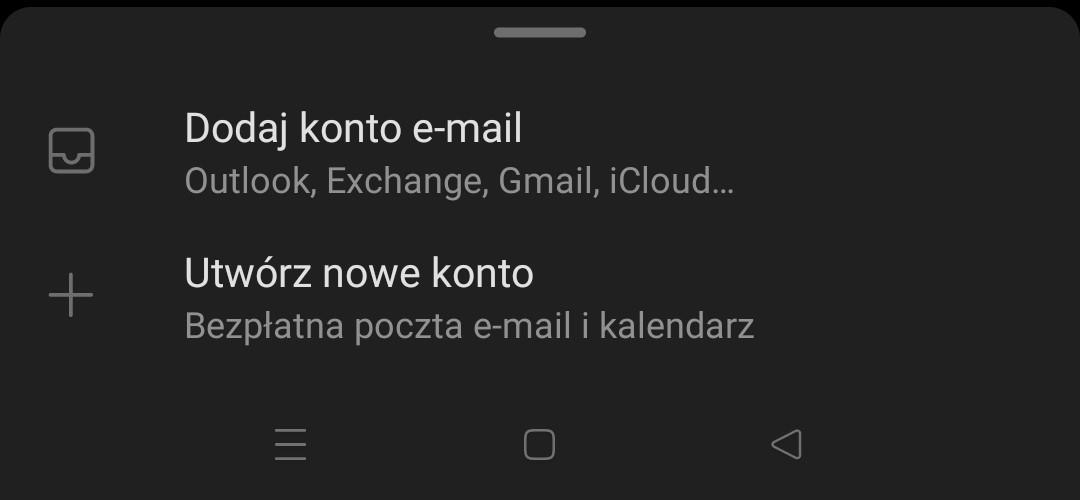
- In Outlook, open Settings and choose Add mail account → Add email account.
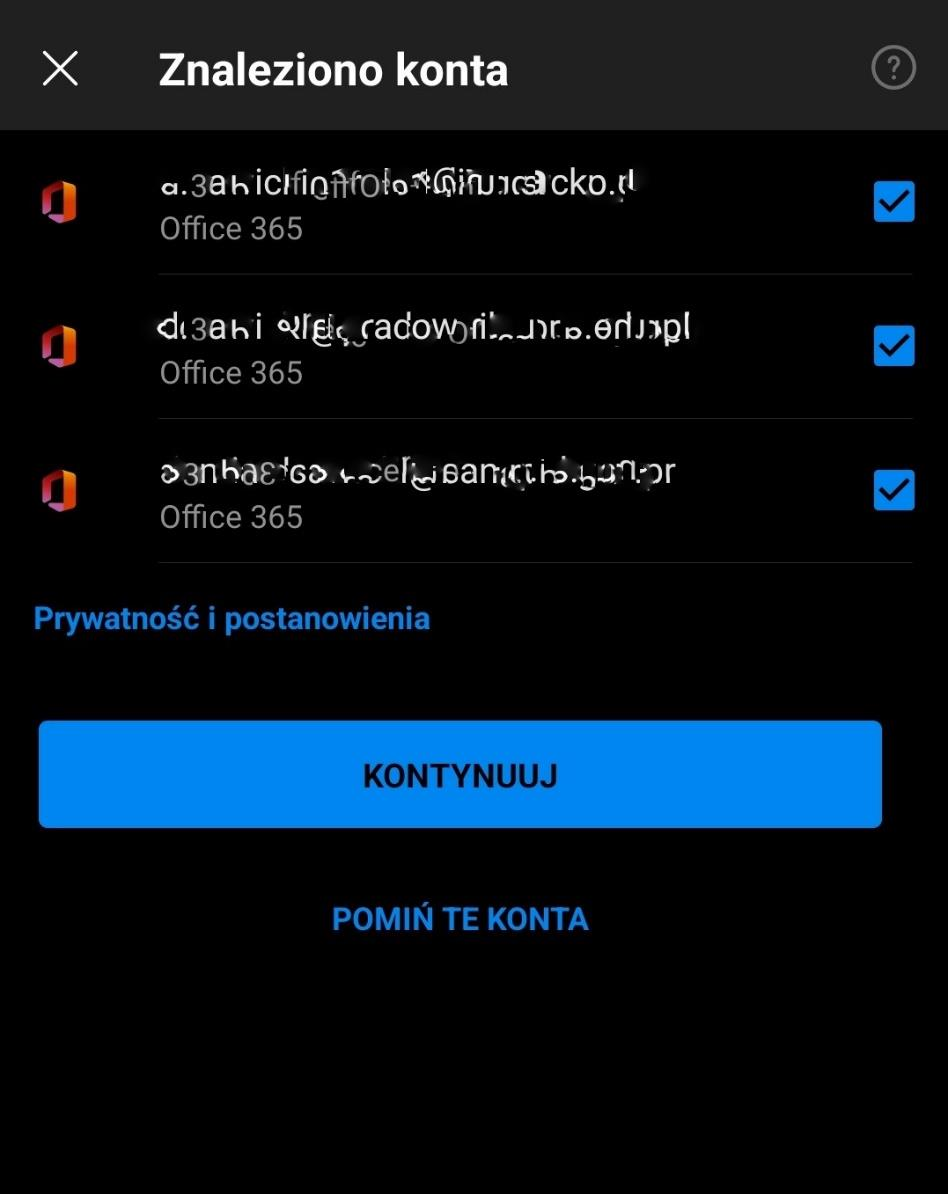
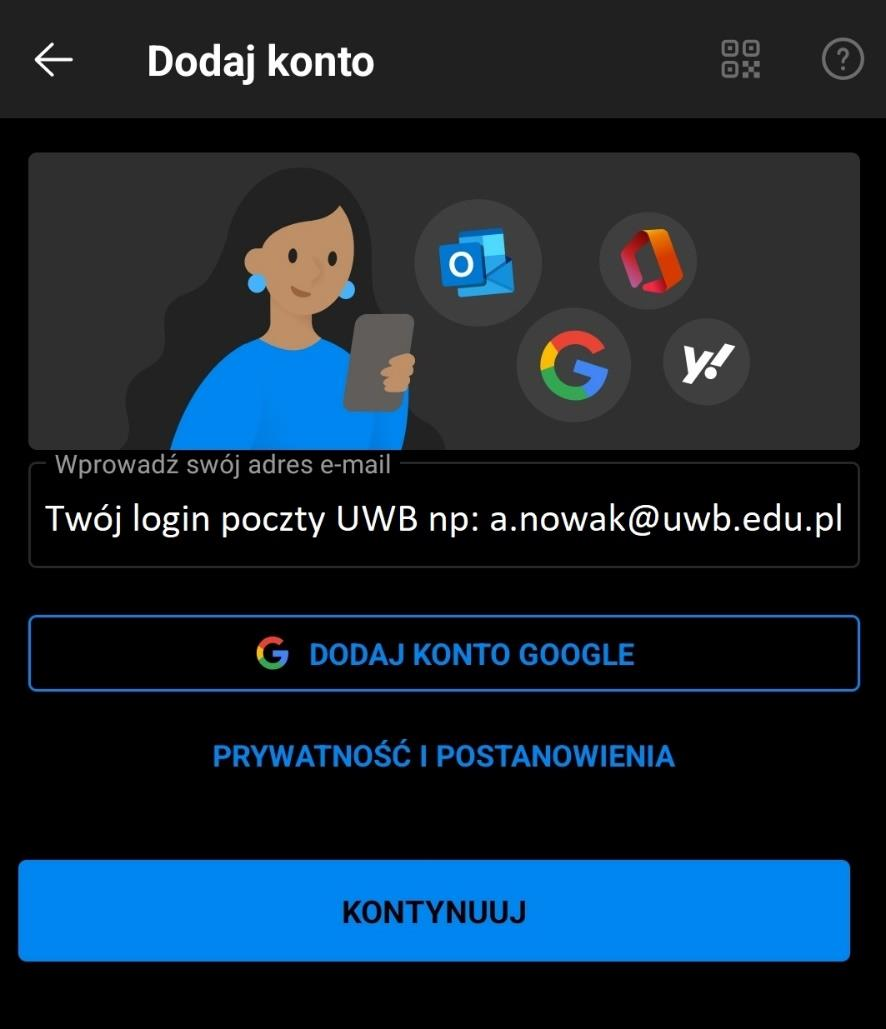
- If Outlook shows accounts found on the device, skip them and enter your @uwb.edu.pl address.
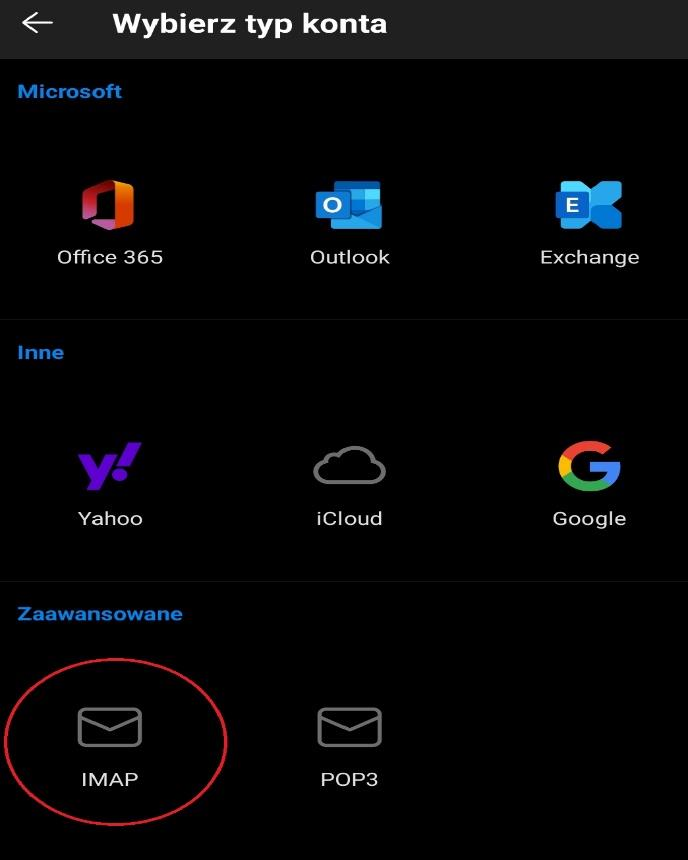
- Select IMAP / manual configuration.
- IMAP server: sun.uwb.edu.pl, port 993, security SSL/TLS. Username: the part before @uwb.edu.pl.
- SMTP server: sun.uwb.edu.pl, port 465, security SSL/TLS. Username: the part before @uwb.edu.pl.
- Enter the mailbox password for IMAP and SMTP and save the configuration.
Important
The UwB mobile configuration guide uses the username without the domain. For example, for a.nowak@uwb.edu.pl, enter a.nowak in the IMAP/SMTP username fields.